One Ops Calendar For Voyages, Port Stays, And Crew Changes
Gap and certificate warnings show empty billets and unqualified holders as of today, before a vessel is under-manned.
Why fleets still struggle
The cost of how it’s done today
Voyage plans, port stays, and crew changes live in different tools, so an ETA change never flows to crew planning and manning gaps go unseen.
The traditional approach
A trip grid for crewing and a separate voyage plan, neither aware of the other, with crew-change dates edited by hand.
With WaterTightVM
What changes when this is under control
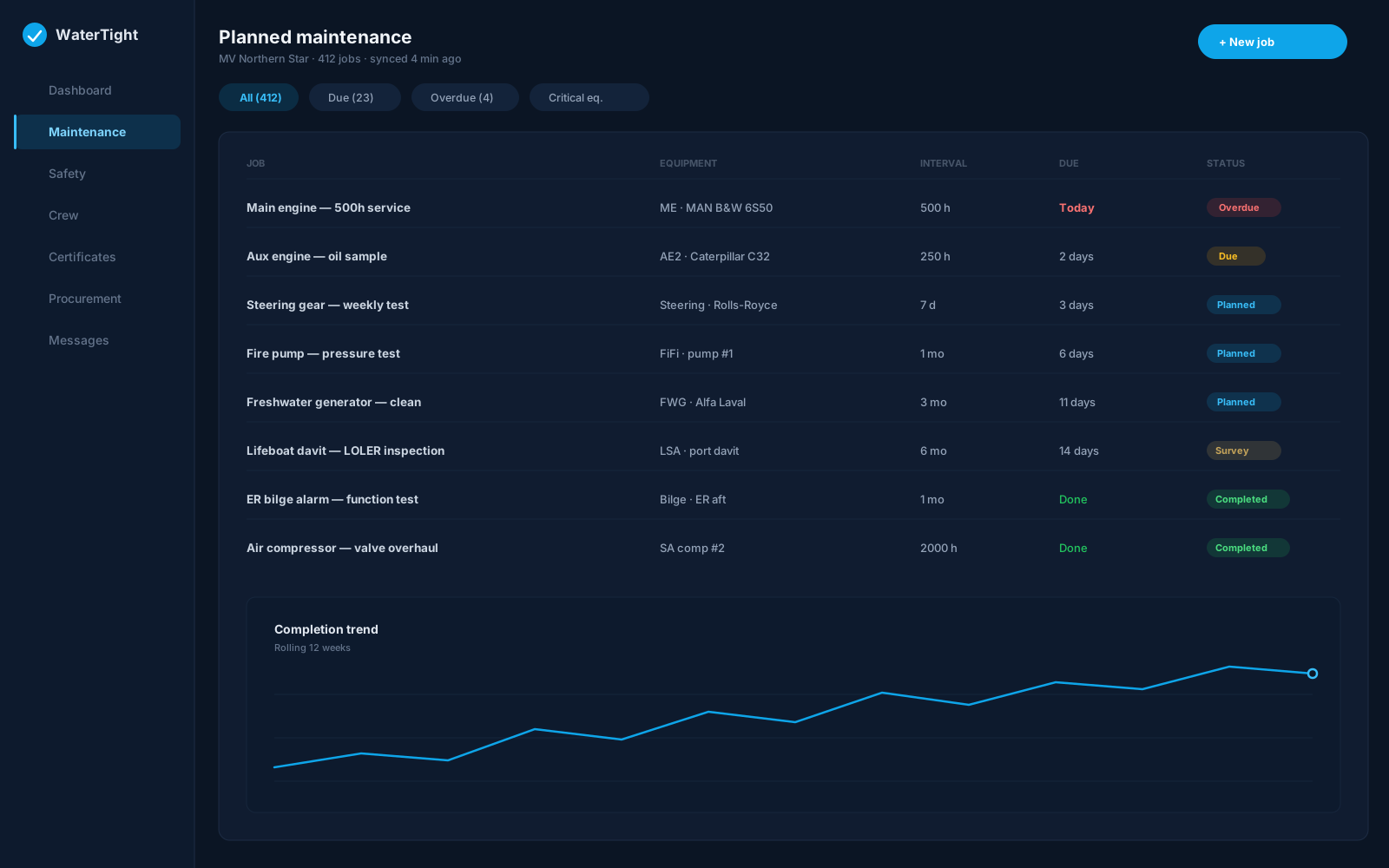
A single operations calendar: voyages and port stays, ETA edits that cascade to planned crew changes, a leave overlay, safe-manning gap warnings, and one voyage spine reused by cargo operations.
Time back
Editing an ETA cascades unpinned crew-change dates and syncs cargo port calls, instead of manual updates in three places.
Less waste
Port crew-change policy flags expensive or blocked ports so reliefs are planned where they cost least.
Lower risk
Gap and certificate warnings show empty billets and unqualified holders as of today, before a vessel is under-manned.
In the module
How Vessel Calendar delivers it
Port stays and ETA/ETD editing
ETA cascade to planned crew changes
Crew-change time window after ETA / before ETD
Safe-manning gap warnings
Fleet overview across hulls
Capabilities
- Tentative plan vs Confirm to write the roster
- Pin date so hotel days do not slide with a delay
- Leave overlay from HR
- Port crew-change policy markers
- Qualification check on assign
- Shared voyage spine for cargo
Ship to shore
How the work moves
- Planner adds voyages and port stays
- Plan a join or leave inside the stay’s time window
- Confirm writes the roster; pin keeps travel days still
- Gaps and fleet overview reviewed against safe manning
Supports your records for:
Customers remain responsible for regulatory compliance. WaterTightVM is the operational system of record.
Questions before you commit
Does the deck logbook move the plan?
No. Deck logbook in-port/at-sea status confirms the plan but does not rewrite it; ETA changes are made on the stay.
How are crew-change ports controlled?
Ports carry a company crew-change policy (allowed, discouraged, or blocked), shown as markers so changes are planned only where policy permits.
When does a planned crew change become the roster?
Plan crew change is tentative until you Confirm. Join and leave dates must fall in the stay’s time window (company hours after ETA and before ETD). Pin date keeps hotel or travel days still if sailing is delayed; unpinned leave can follow ETD.
What happens when I assign an unqualified crew member?
A qualification check warns of missing certificates and lets you assign anyway as a recorded override; the block stays hatched until requirements are met.
Do I create cargo voyages separately?
No. Configure voyages here once; cargo operations reuses the same voyages for SOF, NOR, and laytime when cargo is enabled.
Related solutions
See it in 30 minutes
Book a 30-minute call and we'll show Vessel Calendar on a sample vessel, set up the way your fleet planner and master work.
Any questions, just get in touch. If you’re not sure we cover something you need, outline the issue and we’ll find a way to solve it.